
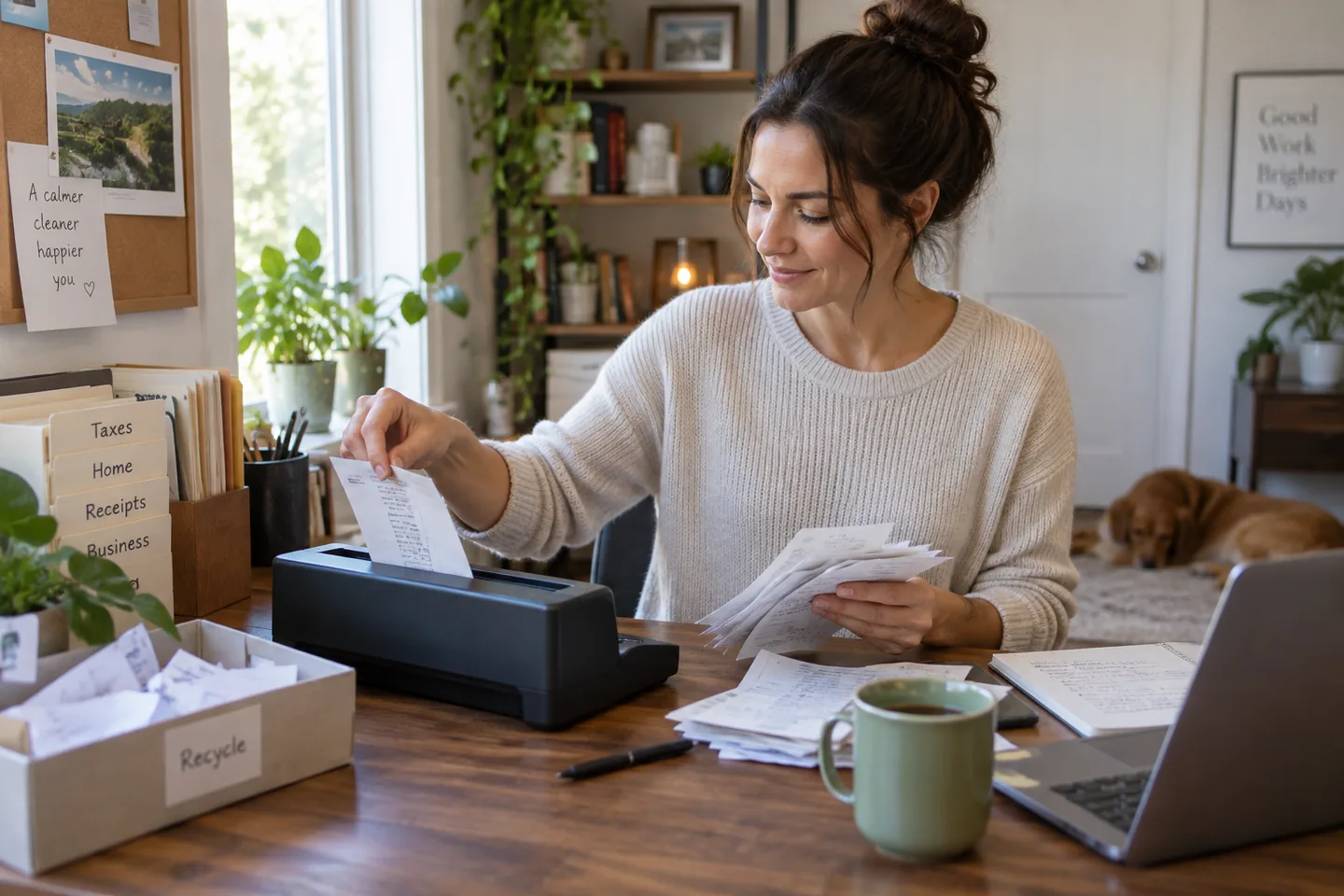
The productive scanning session is not a heroic shoebox weekend. It is ten minutes after opening the mail: keep the original where required, scan the rest, confirm the file, and place it in a folder whose name will still make sense next year.
The short list
| Pick | Best for | Tradeoff |
|---|---|---|
| ScanSnap iX1600 Best polished home-office workflow | Mixed documents and recurring household scanning | The premium price is difficult to justify for a few pages per month. |
| Brother ADS-1800W Best compact desk option | Small workspaces and lighter business use | The smaller feeder and body are less comfortable for large archive projects. |
| Epson RapidReceipt RR-600W Best receipt-heavy alternative | Freelancers and households organizing expenses | Receipt categorization still needs review and should not replace accounting judgment. |
Our picks, by real-life fit
1. ScanSnap iX1600
Best for: Mixed documents and recurring household scanning
A touchscreen, automatic feeder, Wi-Fi, and profile-based destinations support repeatable scanning without constant settings changes.
The tradeoff: The premium price is difficult to justify for a few pages per month.
2. Brother ADS-1800W
Best for: Small workspaces and lighter business use
A compact wireless sheet-fed design provides duplex scanning and direct workflow options in less space.
The tradeoff: The smaller feeder and body are less comfortable for large archive projects.
3. Epson RapidReceipt RR-600W
Best for: Freelancers and households organizing expenses
Receipt-management software and a large feeder focus the system on financial paperwork and mixed document stacks.
The tradeoff: Receipt categorization still needs review and should not replace accounting judgment.
How to choose without overbuying
The highest specification is rarely the most useful specification. Start with the repeated situation that made you search for this product, then use these rules to remove options that create more work than they save.
- Estimate weekly pages, not the archive backlog.
- Choose destinations and file naming before hardware.
- Check receipt and card handling.
- Plan encrypted backups for sensitive records.
A routine that makes the purchase work
Products earn their place through habits, storage, and maintenance. This simple setup is more valuable than adding another accessory on day one.
- Remove staples and fan pages.
- Review image and OCR before recycling anything.
- Back up the organized folder to a separate location.
What we would not do
- Scanning sensitive documents to an unreviewed cloud account.
- Feeding damaged originals without a carrier sheet.
- Assuming OCR is error-free.
We base product statements on current published information and make an editorial inference about who each option fits. We do not claim hands-on testing, durability measurements, or performance benchmarks that ChoicesVera did not conduct.
The bottom line
Do not destroy legal, tax, identity, or warranty originals without checking current retention requirements. Test OCR and backup before committing to a paperless workflow. Compare the return policy and current price before ordering, especially when fit, feel, or compatibility cannot be confirmed from specifications alone.
Frequently asked questions
Do I still need a flatbed?
For fragile photos, books, and irregular originals, yes. Sheet-fed scanners excel at loose pages.
What is OCR?
Optical character recognition turns an image of text into searchable or editable text, but mistakes need review.
Can I recycle originals after scanning?
Only after verifying the scan and confirming the original is not legally, financially, or practically required.
Sources and fact check
Product details last checked 2026-09-17. Prices and availability change; ChoicesVera does not publish fixed price claims on this page.