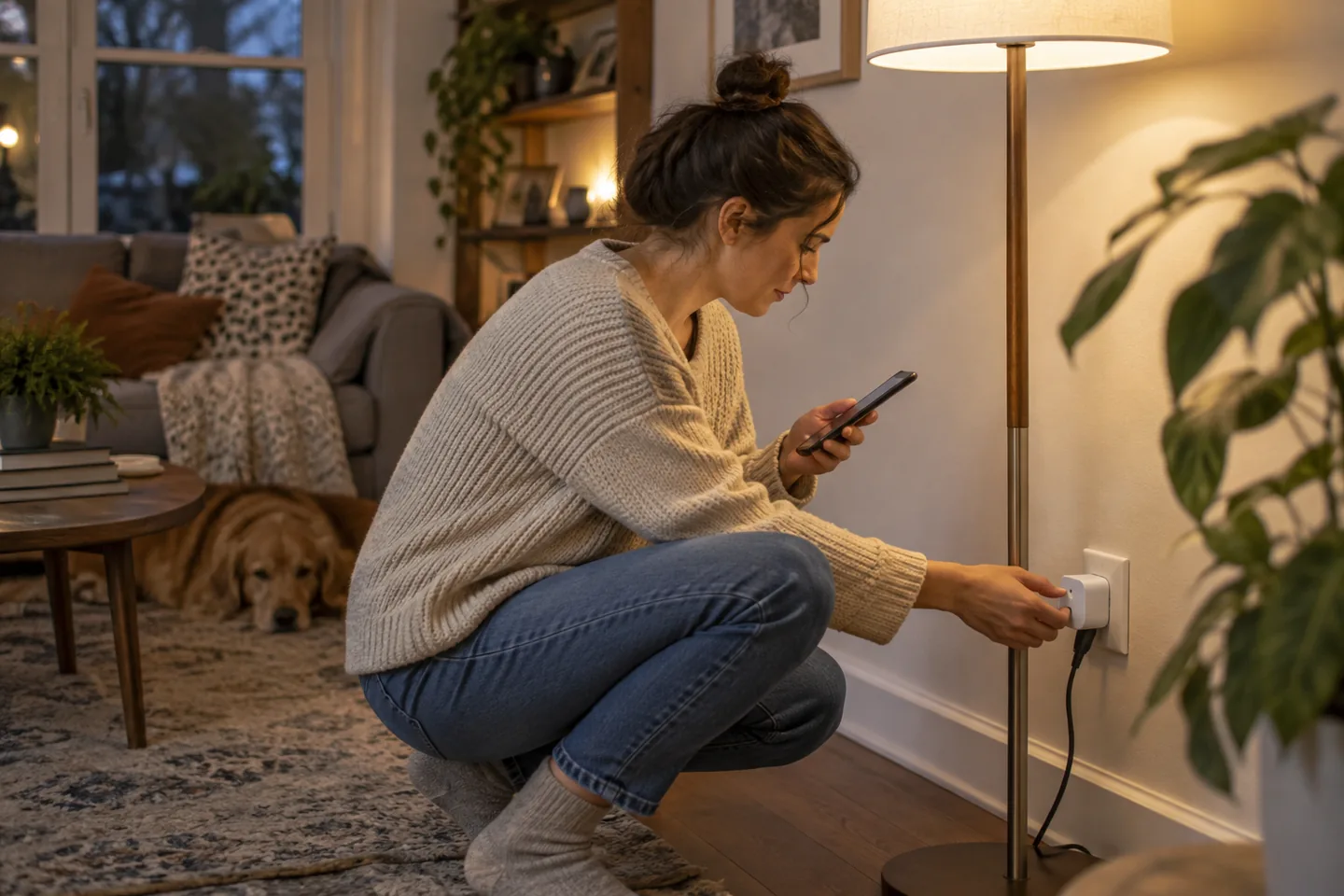

In a long apartment, the modem may live by the front door while the work desk sits behind two dense walls. A two-node mesh can improve that route when the second unit is placed halfway—not hidden in the room where the signal is already gone.
The short list
| Pick | Best for | Tradeoff |
|---|---|---|
| eero 6+ Best simple setup | Households wanting guided app installation | Some advanced controls and insights are tied to optional subscriptions. |
| TP-Link Deco X55 Best flexible value | Homes wanting multiple Ethernet ports per node | The app presents many features, and optional security services can complicate the value picture. |
| Google Nest Wifi Pro Best Google Home fit | Homes already using Google’s smart-home app | It is not backward-compatible as a mesh with older Nest Wifi hardware. |
Our picks, by real-life fit
1. eero 6+
Best for: Households wanting guided app installation
A compact Wi-Fi 6 system and approachable app make two- or three-node layouts easy to manage.
The tradeoff: Some advanced controls and insights are tied to optional subscriptions.
2. TP-Link Deco X55
Best for: Homes wanting multiple Ethernet ports per node
A Wi-Fi 6 mesh kit provides broad platform support and practical wired connections on each unit.
The tradeoff: The app presents many features, and optional security services can complicate the value picture.
3. Google Nest Wifi Pro
Best for: Homes already using Google’s smart-home app
Wi-Fi 6E support and integration with Google Home create a cohesive setup for compatible devices.
The tradeoff: It is not backward-compatible as a mesh with older Nest Wifi hardware.
How to choose without overbuying
The highest specification is rarely the most useful specification. Start with the repeated situation that made you search for this product, then use these rules to remove options that create more work than they save.
- Move the existing router into the open before buying.
- Start with two nodes for an apartment.
- Use Ethernet backhaul when practical.
- Confirm modem and ISP compatibility.
A routine that makes the purchase work
Products earn their place through habits, storage, and maintenance. This simple setup is more valuable than adding another accessory on day one.
- Place the second node where signal is still strong.
- Use one network name and update devices gradually.
- Install firmware updates and review unknown clients.
What we would not do
- Putting nodes inside cabinets.
- Clustering extra nodes too closely.
- Paying for speeds that client devices cannot use.
We base product statements on current published information and make an editorial inference about who each option fits. We do not claim hands-on testing, durability measurements, or performance benchmarks that ChoicesVera did not conduct.
The bottom line
First test router placement and wired options. Mesh adds convenience but cannot create internet speed beyond the service plan, modem, device radio, or backhaul connection. Compare the return policy and current price before ordering, especially when fit, feel, or compatibility cannot be confirmed from specifications alone.
Frequently asked questions
Will mesh increase my internet plan speed?
No. It can improve coverage and local connection quality, but the plan and modem still set the outside limit.
How many nodes does an apartment need?
Often two or even one well-placed router. Too many nearby nodes can add interference and unnecessary handoffs.
What is wired backhaul?
It connects mesh nodes by Ethernet so wireless capacity is not used for their internal link.
Sources and fact check
Product details last checked 2026-09-17. Prices and availability change; ChoicesVera does not publish fixed price claims on this page.